YouTube Thumbnail Downloader
Get every thumbnail YouTube publishes for a video, in all available resolutions, and download any of them with one click.
Get every thumbnail YouTube publishes for a video, in all available resolutions, with one click to download.
Video ID dQw4w9WgXcQ

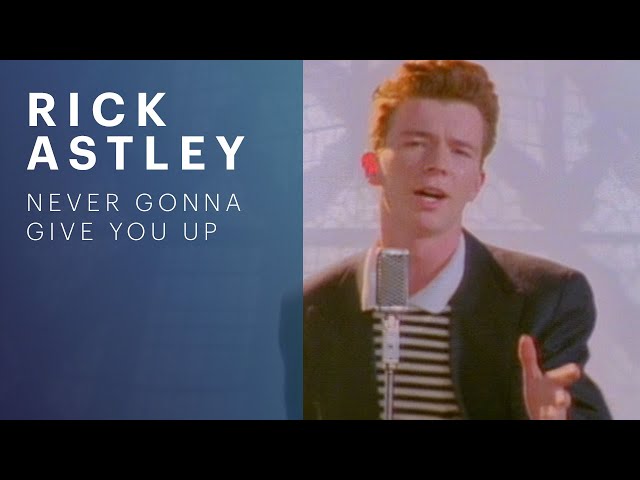
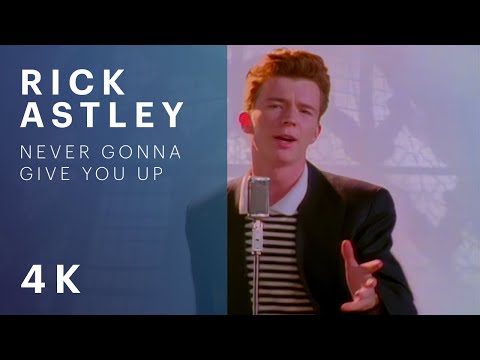


These are the images YouTube already publishes for the video, at the paths it serves them from. No API key is involved and nothing is scraped. When a video has no HD thumbnail, YouTube answers the maximum resolution request with a small grey placeholder rather than an error, which is why that size is marked unavailable rather than shown broken.
A thumbnail belongs to whoever made the video. Downloading one to study a design is fine; republishing it as your own is not.
About the youtube thumbnail downloader
YouTube serves each video's thumbnail at a handful of fixed sizes, from a 120 pixel strip up to full 1280 by 720. Those images are already public, but there is no button anywhere in the interface to get at the large one, which is why people end up screenshotting a paused video and losing most of the quality.
Paste any YouTube URL and all available sizes appear at once. Watch links, share links, Shorts and embed URLs all work, and a bare video ID works too.
Not every video has an HD thumbnail. When one is missing, YouTube answers with a small grey placeholder rather than an error, which is why other tools show you a blank grey box. Here that size is detected and marked unavailable instead.
How to use it
- 1Paste a YouTube URL, or just the video ID.
- 2All published sizes load at once.
- 3Pick the resolution you need and click Download.
Questions
Why is the maximum resolution version missing?
Because the uploader never provided an HD thumbnail. YouTube generates the smaller sizes automatically but not the 1280 by 720 one, and it answers the request with a grey placeholder rather than a 404. That size is detected and marked unavailable.
Does this work with Shorts?
Yes. Shorts, watch links, youtu.be share links and embed URLs are all recognised, as is a bare eleven character video ID.
Is it legal to download a thumbnail?
The image belongs to whoever made the video. Downloading one to study a design, or for commentary and criticism, is normal use. Republishing it as your own is not, and nor is using it to imply an endorsement.
Do I need an API key?
No. These are the images YouTube already publishes at predictable public paths. Nothing is scraped and no API quota is involved.
Can I get thumbnails from a private video?
No. Private and unlisted videos do not serve public thumbnails, and this tool only reads what YouTube already publishes.